

Scheduling gaps
Job status spread across texts and separate tools
Technology support for trades and home services teams that need scheduling, mobile access, customer follow-up, websites, review automation, and practical support for crews in the field.
Start with a practical assessment of your workflows, systems, and support gaps — sized for Canadian SMB teams.
Trades and home service businesses depend on scheduling, mobile access, and customer-facing channels every day — when technology fails in the field, bookings and reputation both take a hit.
Assessment signals
Scheduling sprawl
Job scheduling spread across texts, calls, and separate tools.
Process gapField access friction
Field technicians blocked from job details, forms, or CRM off-site.
Access riskManual reputation work
Websites and review requests handled manually instead of connected to completed jobs.
Growth gap
Operating patterns IT F1RST helps teams in trades & home services fix across the GTA and Canada.
Office schedules jobs in one app while technicians track status in texts — nobody shares one view of the day.
IT F1RST connects scheduling tools, notifications, and job status updates into trackable workflows.
Dispatch and field teams share reliable job status instead of phone-tag reconstruction.
 Power Automate
 Teams
TeamsCrews hit slow apps, missing logins, or outdated job sheets before starting work at customer homes.
IT F1RST stabilizes mobile access paths, documents login steps, and aligns connectivity with field workflows.
Technicians open current job details reliably from customer sites and vehicles.
 VPN
VPN M365Managed IT
Quotes, job notes, and follow-ups live in texts and paper — office staff rebuild client history manually.
IT F1RST aligns CRM structure, automates key updates, and connects mobile-friendly intake to customer records.
Office teams see job and client status they can trust for scheduling and follow-up.
Power AutomateM365Contact forms route to personal inboxes or sit unread while homeowners call competitors.
IT F1RST connects website forms to CRM records, notifications, and follow-up owners so every inquiry is tracked.
Office staff respond faster with clear ownership from first contact.
Power AutomateM365Happy customers never leave Google reviews because nobody sends a consistent post-job follow-up.
IT F1RST automates review requests tied to job completion and customer contact preferences.
More completed jobs convert into reviews without office staff chasing each technician.
Power AutomateCRMM365Field endpoints fail without asset lists, MDM coverage, or a named help desk contact.
IT F1RST inventories field devices, applies practical management standards, and connects hardware to managed support.
Device issues are resolved remotely when possible instead of waiting for office visits.
M365 MFA
MFANot sure which trades & home services problem to tackle first?
IT F1RST can review your environment and recommend the fastest stabilization path.
Trades and home service teams cannot afford scheduling chaos, mobile access failures, or website leads that go unanswered. IT F1RST helps connect dispatch workflows, stabilize field technology, and automate customer follow-up so crews spend less time on informal workarounds.
Trades and home services technology friction signals
Job status spread across texts and separate tools
Technicians blocked from job details off-site
Website inquiries sitting unread or misrouted
Post-job follow-up depending on technician memory
How scheduling, websites, CRM, and field support work together for local trades teams.
Scheduling, leads, and follow-up live in texts and spreadsheets with poor local online visibility.
 OutlookExcelMicrosoft Teams
IT F1RST improves local SEO, connects CRM and scheduling workflows, and supports field devices.
Office and field teams share visible schedules, leads, and support paths that improve response time.
Microsoft TeamsCRMPower AutomatePractical outcomes for teams in trades & home services — support paths, documentation, and systems that hold up after go-live.
Connected booking, notifications, and job status updates across office and field teams.
One shared view of the day instead of text-message reconstruction.
Stabilized app access, login documentation, and connectivity sized for crew workflows.
Technicians reach job details from customer sites without daily access failures.
Customer records, quote follow-up, and mobile intake connected to field activity.
Office staff trust client history instead of rebuilding it from texts.
Form routing, inquiry notifications, and local SEO tied to service areas.
More inbound jobs captured with clear follow-up ownership.
Post-job follow-up messages tied to completion workflows and customer preferences.
More completed jobs convert into reviews without manual chasing.
Starting points when trades & home services teams need stabilization or improvement.
Connect scheduling tools, notifications, and job status updates for dispatch and field crews.
Example: A plumbing company where dispatch status lived in one app and technicians tracked jobs in group texts.
Stabilize mobile app access, document login steps, and align connectivity with crew workflows.
Example: An HVAC crew that stopped opening job packets on-site because the app timed out on weak cell signal.
Connect website forms to CRM records, notifications, and follow-up owners.
Example: A home services business losing weekend inquiries because forms routed to a personal Gmail nobody checked.
Automate review requests tied to job completion and customer contact preferences.
Example: A landscaping company whose office manually texted review links once a month when someone remembered.
Catalog phones and tablets with management standards and help desk coverage for field staff.
Example: A trades team with no record of which technician had which phone when devices needed replacement.
Explore service families connected to trades & home services operations.

Scheduling, dispatch, review, and job completion workflow automation.
View service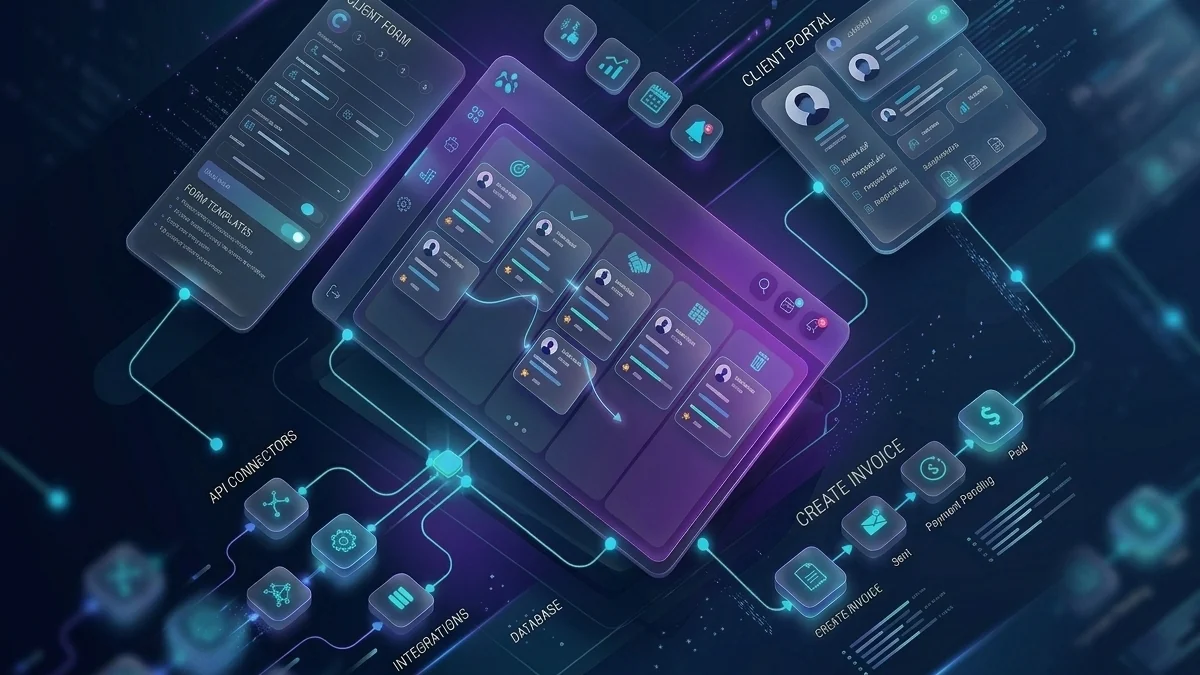
CRM alignment, lead capture, and customer record workflows.
View service
Service-area websites, lead forms, and local visibility.
View service
Remote device support and help desk coverage for field crews.
View service
Mobile connectivity and telecom coordination for field operations.
View serviceTrades and home services businesses win on response time, visibility, and follow-through. IT F1RST helps connect websites, scheduling, CRM, and field support into practical systems local teams can operate.

Senior technology, infrastructure, and delivery experience
Technology program delivery experience
Websites, systems, infrastructure, automation, and IT delivery
Practical support for Canadian SMBs, with remote delivery available
Certified project leadership that keeps timelines, vendors, and go-live risk under control.
IT F1RST can assess scheduling, mobile access, CRM, website leads, and review automation gaps — then map practical improvements for your crew.
Questions from trades & home services teams evaluating IT support, automation, websites, and cloud in the GTA.
Yes. IT F1RST improves service-page structure, local SEO signals, website performance, and contact paths so more local customers can reach your team.
Yes. IT F1RST can connect job completion triggers, email or SMS follow-ups, and review workflows to reduce manual outreach.
Yes. IT F1RST supports field devices, mobile access, VPN coordination, and practical documentation for crews working off-site.
Yes. IT F1RST connects website forms, CRM records, scheduling workflows, and follow-up automation so leads are less likely to fall through the cracks.
Yes. IT F1RST is Canadian-owned with 20+ years supporting small and medium-sized businesses across Mississauga, Toronto, and the GTA, with Canada-wide remote delivery for most technology projects. On-site visits are used when physical infrastructure or office moves require them.
Start with a practical business technology assessment. IT F1RST reviews your current environment, identifies the highest-impact improvements, and maps a phased path that fits your team size and budget — without enterprise overhead.
Real quotes from the IT F1RST client pool — relevant across trades & home services and similar business environments.

“IT F1RST transformed our IT infrastructure. Their proactive support and tailored solutions significantly improved our operational efficiency, reliability, and data security.”
More stable infrastructure with cleaner support and better security.
“The integration services provided by IT F1RST streamlined our communication and collaboration tools, helping our clinic operate with better consistency and less technical friction.”
Improved online presence, patient workflows, and day-to-day technical reliability.
“Our architecture firm has benefited immensely from IT F1RST’s network and cybersecurity solutions. Their expertise is practical, responsive, and easy to work with.”
Secure remote access, protected project files, and a stronger office technology foundation.
Need systems, websites, email, or automation cleaned up?








