
Intake chaos
Forms and email with no ownership
Custom web apps, CRM workflows, client portals, and admin tools that give Canadian SMBs a practical customer and operations experience beyond spreadsheets and inbox chaos.
Replace inbox chaos with portals, CRM-style workflows, and apps your team can actually maintain.
Web app and CRM patterns IT F1RST helps Canadian SMB teams fix before intake, follow-up, and customer experience break down.
Leads and requests arrive in email and spreadsheets before anyone owns the next step.
IT F1RST connects forms, records, notifications, and follow-up steps into one workflow.
Intake becomes trackable instead of buried in inboxes.
 Power Apps
 Dataverse
 Outlook
 Teams
TeamsClients chase status updates through email because there is no secure self-service path.
IT F1RST builds portals with practical access, status views, and notifications.
Customers get answers without flooding staff inboxes.
 Power PagesDataverse
 SharePointTeams
Data is duplicated across tools with no reliable source of truth.
IT F1RST structures CRM fields, validation, and handoff rules your team will use.
Records stay cleaner and easier to report on.
DataversePower AppsHubSpotExcelStaff rebuild status in spreadsheets because no app matches the real process.
IT F1RST builds focused internal apps tied to how work actually flows.
Daily operations live in a maintainable app instead of side files.
Power AppsSharePointSQLTeamsBad intake data creates rework, missed follow-ups, and reporting errors.
IT F1RST adds validation, routing, and approval paths at the point of entry.
Staff spend less time fixing bad records.
 Power AutomatePower AppsDataverse
 REST APIs
Managers cannot see pipeline or service status without manual exports.
IT F1RST connects operational data to dashboards and status views.
Leadership gets visibility without weekly rebuilds.
 Power BIDataverseSQLExcel
Not sure where to start?
Start with the issue that wastes the most time or creates the most risk each week.
How intake moves from email and forms into apps, portals, and records your team can trust.
Leads and requests arrive in inboxes and spreadsheets without clear ownership.
 GmailExcel
 WordPress
IT F1RST connects intake to Power Apps, Dataverse, and practical handoff rules.
Power AppsPower PagesDataverseWork moves through records, notifications, and reporting managers can open.
Microsoft TeamsPower AutomatePower BIWhen intake and customer data live in inboxes and spreadsheets, Canadian SMB teams lose leads and operational visibility. IT F1RST builds practical apps, portals, and CRM-style workflows.
CRM and portal friction signals
Forms and email with no ownership
CRM and spreadsheets disagree
Customers stuck in email chains
Status rebuilt manually each week
Built for Canadian SMBs that need practical customer and operations systems beyond spreadsheets.
Practical web apps, crm & portals across discovery, build, documentation, and support.
Not every workflow fits an off-the-shelf SaaS SKU. IT F1RST discovers when custom web apps, internal admin tools, CRM portals, or client/vendor portals are the right answer — and when Power Apps or an existing CRM module is faster.
Discovery covers authentication needs, data sources, approval paths, and integration points with Microsoft 365, Google Workspace, HubSpot, Salesforce, or Zoho so build decisions are grounded in operations.
Business value: Build vs buy decisions tied to real workflow pain.
When custom code is warranted, IT F1RST can deliver API-connected apps using Node.js, Angular, React, TypeScript, MongoDB, MySQL, or PostgreSQL — alongside REST APIs and webhooks to surrounding systems. Docker and Linux hosting paths are documented for maintainability.
Low-code remains on the table when Power Apps, Power Pages, and Dataverse deliver faster value. The goal is the right implementation tier — not a single toolchain religion.
Business value: Apps built for your workflow — not forced into one platform.
Intake forms, lead routing, SLA reminders, and status portals reduce inbox chaos for sales and operations teams. IT F1RST designs record models, validation rules, and notification paths staff will actually use.
Website forms, email, Teams, and automation platforms (Zapier, Make, n8n, Power Automate) connect so data enters once and flows forward with auditability.
Business value: Fewer dropped leads and clearer customer status.
Portals need practical auth — Entra ID, Google sign-in, role-based access, and vendor isolation — without over-engineering. IT F1RST documents admin guides, API keys, and deployment paths on Cloudflare, Netlify, or client hosting.
Post-launch support includes enhancement windows and handover to managed IT when appropriate so the app is not orphaned after delivery.
Business value: Secure portals teams can administer after go-live.
Custom apps, CRM workflows, and client portals when off-the-shelf tools do not fit how you operate.
OutcomeCRM stages that do not match how deals or tickets move create duplicate entry, ignored fields, and forecasts nobody trusts.
IT F1RST maps pipeline stages to actual handoffs, removes unused fields, connects notifications, and documents data ownership for support.

 ZapierREST APIsPower Automate
OutcomeSensitive files and status updates trapped in email threads create version confusion and audit gaps.
IT F1RST designs authentication, role-based views, audit-friendly uploads, and integrations back to CRM or project systems.
 React
React JavaScriptREST APIs
 MySQLHubSpot
OutcomeForced-fit SaaS subscriptions often cost more and still need side spreadsheets for the 20% of workflow the product ignores.
IT F1RST validates build-vs-buy, scopes an MVP, documents APIs and hosting, and delivers handover materials support teams can extend.
ReactJavaScript HTML5
HTML5 Docker
 Nginx
NginxClear deliverables so your team knows what changes after engagement.
Production system integrated with your tools.
Records, validation, and permissions documented.
Admin guides and support paths for continuity.
Enhancements and managed support after go-live.
Our web apps, crm & portals engagements follow a clear path from discovery through support.
Representative delivery work connected to this service path.
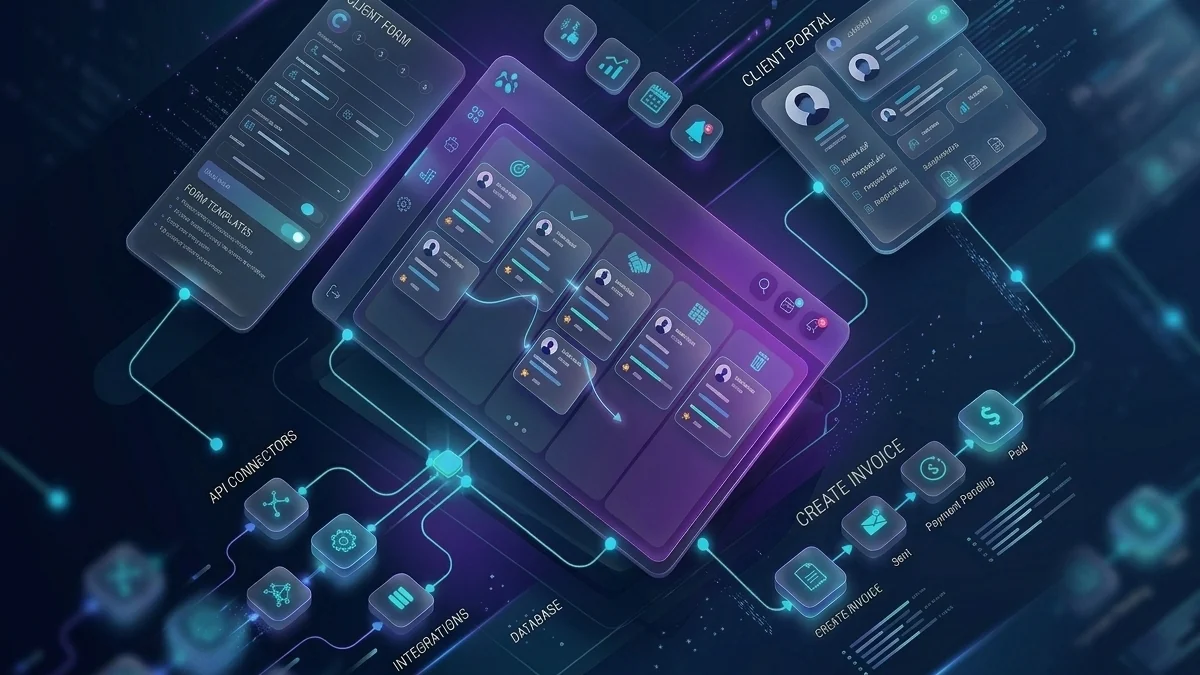
Power Apps, Dataverse, and Microsoft 365 first — plus the CRM, database, and integration platforms apps connect to.
Power AppsPower PagesDataverseSharePointMicrosoft TeamsPower Automate Microsoft 365HTML5
 CSS3JavaScript
 TypeScript
 Node.js
 AngularReact
 MongoDBMySQL
 PostgreSQLREST APIs
 WebhooksDocker
 GitHub
 CloudflareHubSpotSalesforceZoho
Real quotes from the IT F1RST client pool — filtered for relevance to this page.
“The integration services provided by IT F1RST streamlined our communication and collaboration tools, helping our clinic operate with better consistency and less technical friction.”
Improved online presence, patient workflows, and day-to-day technical reliability.

“IT F1RST provided exceptional IT solutions that helped us manage operations with more confidence. Their professionalism and attention to detail are unmatched.”
Better systems, smoother operations, and more confidence in the technology.

“IT F1RST transformed our IT infrastructure. Their proactive support and tailored solutions significantly improved our operational efficiency, reliability, and data security.”
More stable infrastructure with cleaner support and better security.
Need systems, websites, email, or automation cleaned up?
IT F1RST can map your intake, portal, and reporting needs — then propose a practical build path.
Practical starting points — not fabricated case studies.
Stop losing leads in email and side spreadsheets.
Example: Website form → CRM
Give customers status without inbox overload.
Example: Client self-service
Dashboards tied to live CRM data.
Example: Pipeline visibility
Common questions from Canadian SMB teams evaluating web apps, crm & portals.
IT F1RST builds client portals, CRM-style workflows, admin tools, intake systems, and internal apps that connect website forms, email, reporting, and day-to-day operations.
Yes. IT F1RST often connects new apps and portals to Microsoft 365, SharePoint, Teams, email, and third-party tools the business already uses.
No. IT F1RST builds and supports practical systems for lean SMB teams that need a reliable app or portal without hiring a full internal development team.
Yes. IT F1RST frequently connects portals and CRM workflows to website forms, follow-up automation, and reporting so customer experience is less manual.
Yes. IT F1RST uses Power Apps, Power Pages, and Dataverse where they are the right fit — alongside integrations with HubSpot, SQL, and custom APIs.
Focused intake or portal pilots often launch in weeks; larger systems are phased by workflow priority and integration complexity.
Yes. Documentation, training, enhancements, and managed support are available so the system is not dependent on one person.
Yes. IT F1RST is Canadian-owned with 20+ years supporting small and medium-sized businesses across Mississauga, Toronto, and the GTA, with Canada-wide remote delivery for most technology projects. On-site visits are used when physical infrastructure or office moves require them.






